(Page créée avec « {{Tuto Details |Main_Picture=Creating_Backup_of_TwinCAT_Mapping_Screenshot_2022-03-21_095621.jpg |Main_Picture_annotation={"version":"2.4.6","objects":[{"type":"image","ve... ») |
(Aucune différence)
|
Version actuelle datée du 21 mars 2022 à 12:01
How to create a copy (Export) of the mapping / IO link information on a TwinCAT Project

Difficulté
Facile
Durée
2 minute(s)
Introduction
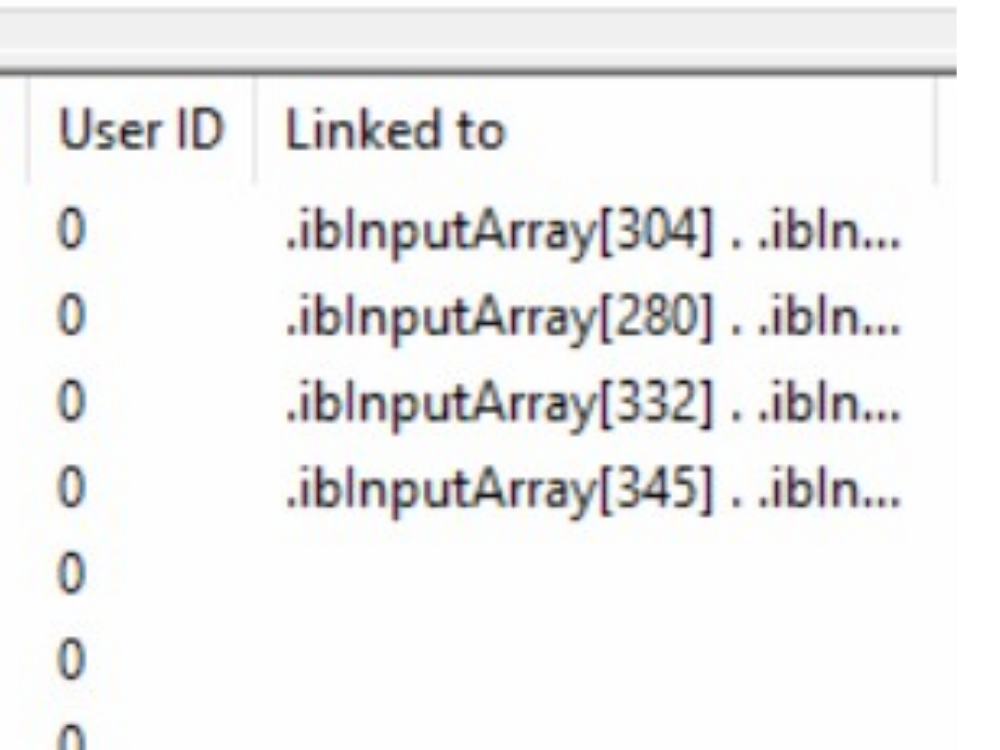
When modifying a TwinCAT project, particularly when modifying to change version numbers, etc, the mapping information can be lost. This can be a time consuming and error-prone process to re-do.
However, the mapping information can be exported before any changes are made and then re-imported
Étape 1 - Load the Project

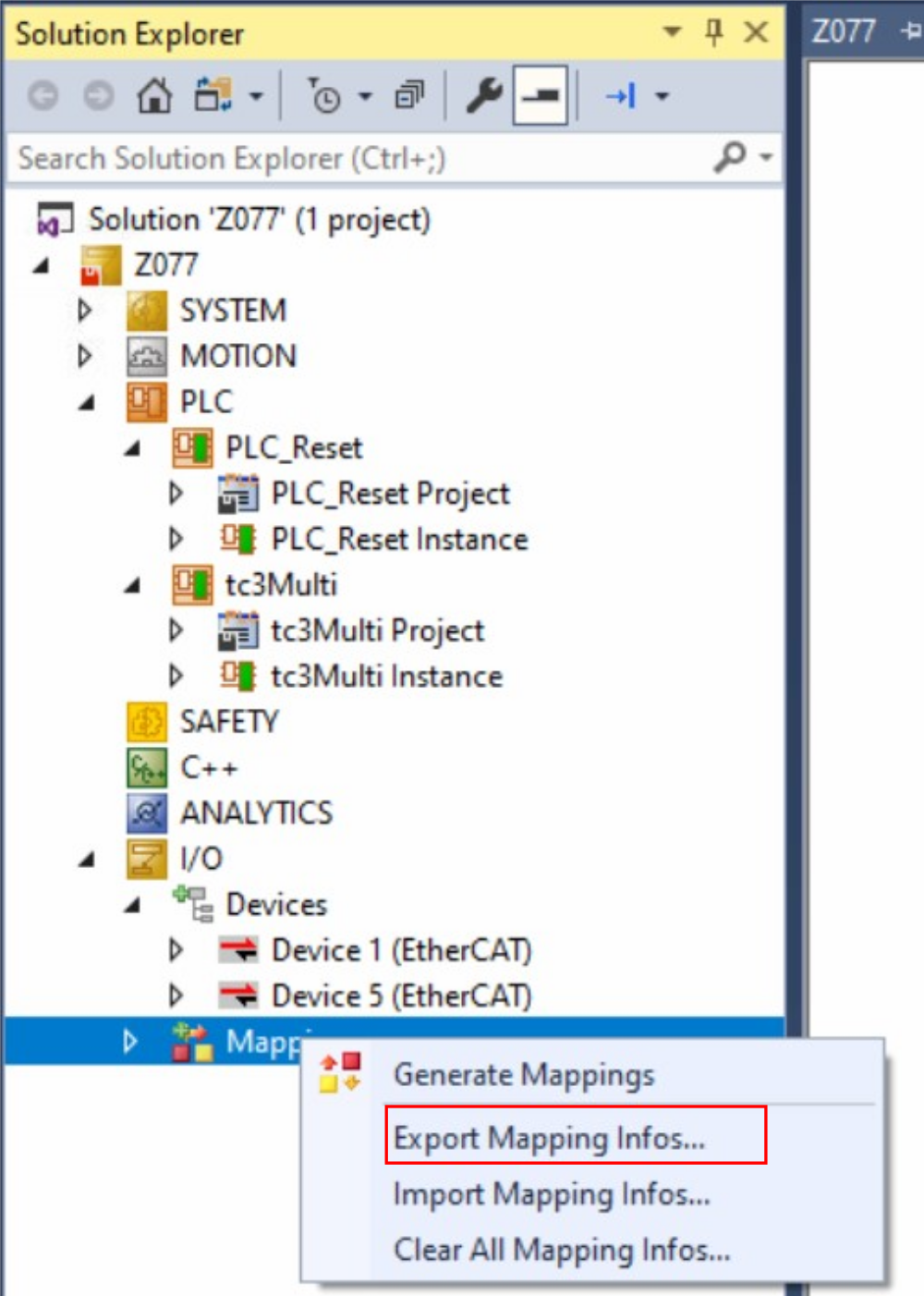
Étape 2 - Right Click on Mappings
Select "Export Mapping Infos..."
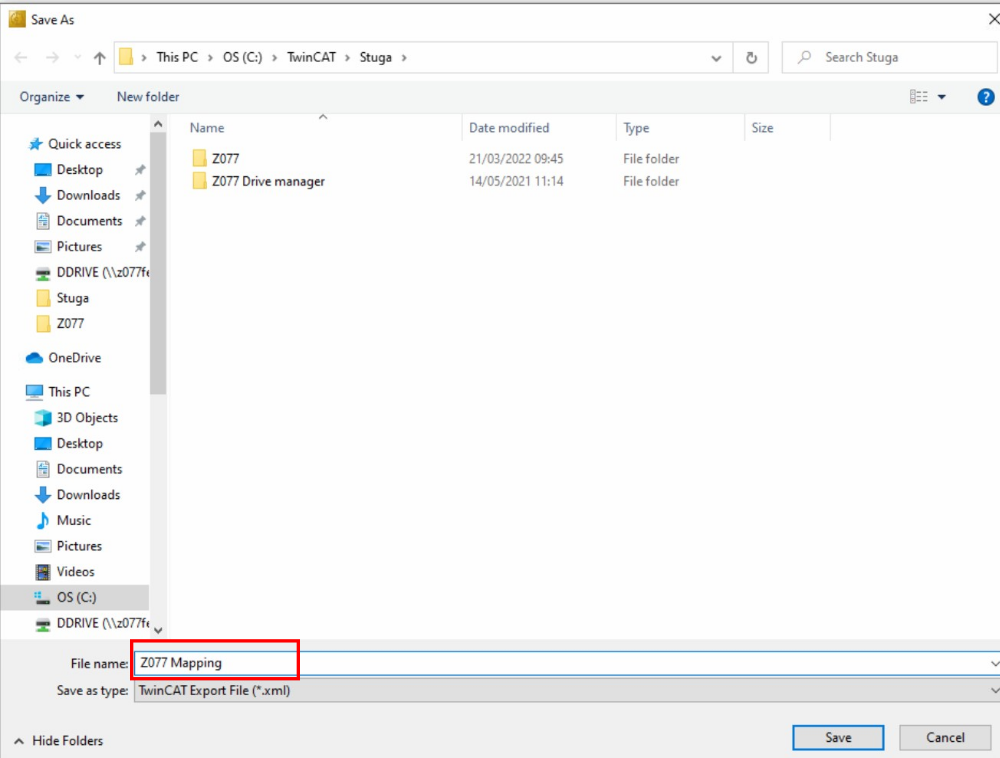
Étape 3 - Save as standard
Save as
[BuildNo] Mapping
Draft
 Français
 English
 Deutsch
 Español
 Italiano
 Português